Auto Mechanic
Mobile auto repair services
Start from this design, and use AI to create your own version. Finish it inside the Webetti editor.
About this template
This template is built for mobile auto repair and local mechanic services. It's designed for mechanics who go to the customer instead of running a traditional shop. The goal is simple: explain your service, show what you handle, and get people to call or book quickly.
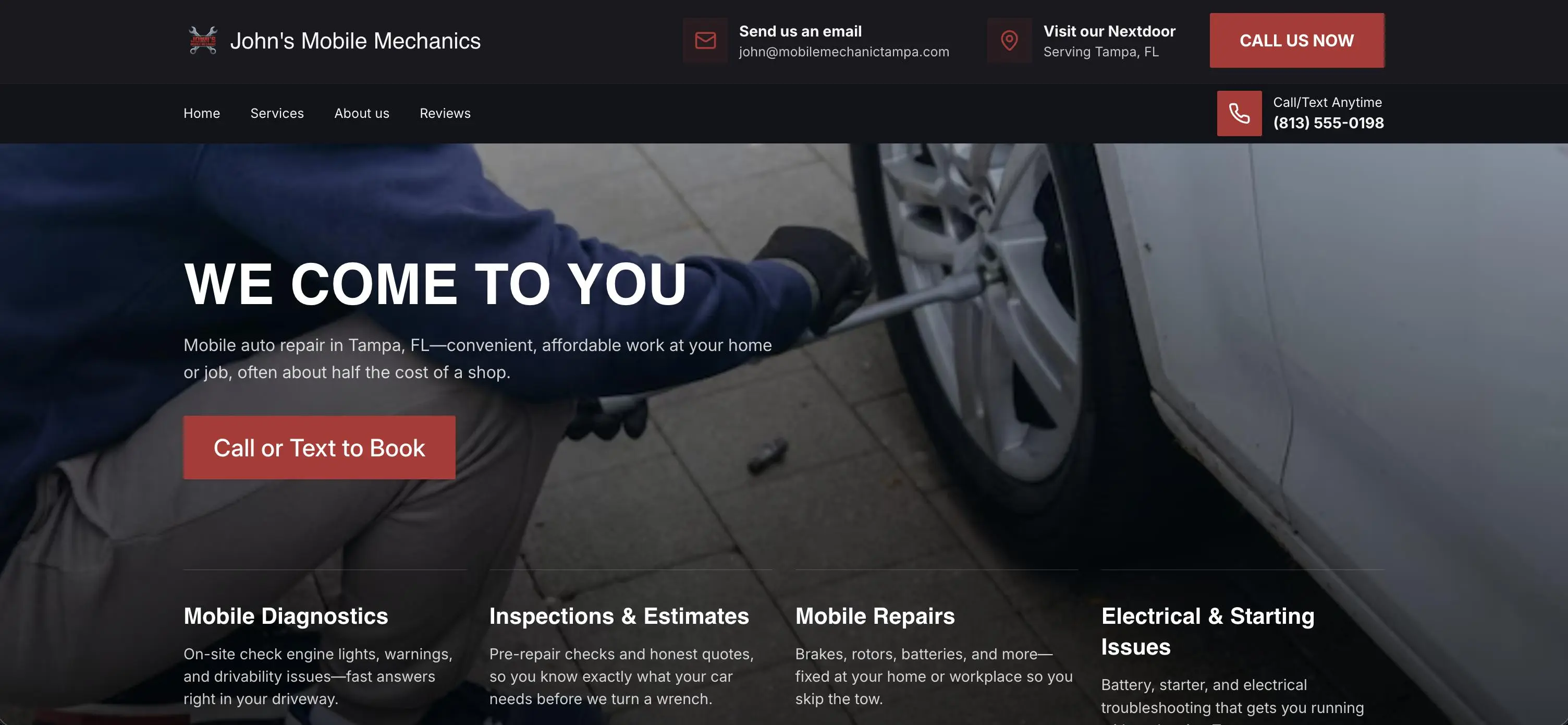
The homepage opens with a strong headline ("We Come to You") and a short explanation of how the service works. There is a clear call-to-action to call or text, which is the main conversion path.
Below that, there is a services section outlining what you handle: diagnostics, inspections, repairs, and common issues like brakes or batteries. Each item is short and practical so people understand what you can fix.
There is also a visual section showing real work (under the hood, tire work, parts). This helps make the service feel real without needing long explanations.
A "How it works" section breaks down the process into simple steps: contact, describe the issue, confirm time and price, and get the work done. This reduces hesitation for people who have never used a mobile mechanic before.
The page ends with a contact and booking section. It includes a form for requests and direct contact options (phone and email). The layout makes it easy to either fill out the form or call immediately.
Navigation includes basic pages like Home, Services, About, Reviews, and Booking. Nothing extra.
Who This Is For
- Mobile mechanics who work on-site (home, office, roadside)
- Independent auto repair operators without a physical shop
- Small teams offering local repair services
- Mechanics getting most of their work through calls or text
- People currently relying on marketplaces who want their own site
- Agencies building simple service websites for local auto businesses
Best Use Cases
Mobile Auto Repair Services: Explain your service clearly and make it easy for customers to call or text.
Independent Mechanics: Show what you can fix and provide a simple way to book work.
Diagnostics & Quick Repairs: Use the service section to highlight common problems you handle and reduce uncertainty.
Local Lead Generation Pages: Send traffic from ads or outreach and convert visitors into calls or service requests.
What You Can Build
- A mobile mechanic website focused on calls and bookings
- A service page listing common repairs and diagnostics
- A landing page for local ads or word-of-mouth traffic
- A basic online presence that replaces relying only on platforms
Getting Started
Step 1) Remix this template
Click "Remix" to create your copy.
You'll be asked to enter:
- your business name
- location
- services
- a short description
- optional images
From there, the AI replaces the text, images, and sections across the site automatically.
Step 2: Adjust the Content
Go through the pages and make small edits:
- update service descriptions
- replace images with your own work
- adjust phone number, email, and service area
You don't need to change layout unless you want to.
Step 3: Connect Your Form
Make sure your booking form sends submissions where you want:
- database
- or integrations
This is what turns the site into something that actually brings in jobs.
Step 4: Publish
Click publish and the site is live.
Conclusion
This template is built for mechanics who need something simple and direct.
It is not focused on design or branding. It is focused on getting someone to call, text, or request service.
If your goal is to get more local repair jobs without relying only on third-party platforms, this template does the job.